
Download Another Redis Desktop Manager – Redis GUI, Database Management, Developer Tool
Overview
Another Redis Desktop Manager is a dedicated graphical user interface (GUI) client designed to simplify the management of Redis databases. Built with a focus on speed, stability, and usability, this tool serves as a vital utility for developers and database administrators working with Redis. It addresses common pain points associated with command-line interactions by offering a visual, intuitive environment for monitoring, querying, and configuring Redis instances. The application is particularly useful in development, testing, and production environments where quick access to database states and real-time performance insights are critical.
Target users include software engineers, DevOps professionals, and system administrators who rely on Redis for caching, session storage, or real-time data processing. The app’s clean interface reduces the learning curve, making it accessible to both beginners exploring Redis and experienced users managing complex deployments. While the developer did not provide additional background details, the app’s release date of March 15, 2022, indicates it is a mature tool with established functionality. Its presence in the developer ecosystem reflects a growing demand for reliable, cross-platform database management solutions that enhance productivity without sacrificing performance.
Key Features & Functionality
- User-Friendly Interface: The app features a clean, organized layout that prioritizes accessibility. Users can navigate through databases, keys, and configurations with minimal effort, reducing the risk of errors during routine operations.
- Multi-Platform Support: Designed to run on Windows, macOS, and Linux, Another Redis Desktop Manager ensures consistent performance across different operating systems, allowing teams to standardize their workflow regardless of individual device preferences.
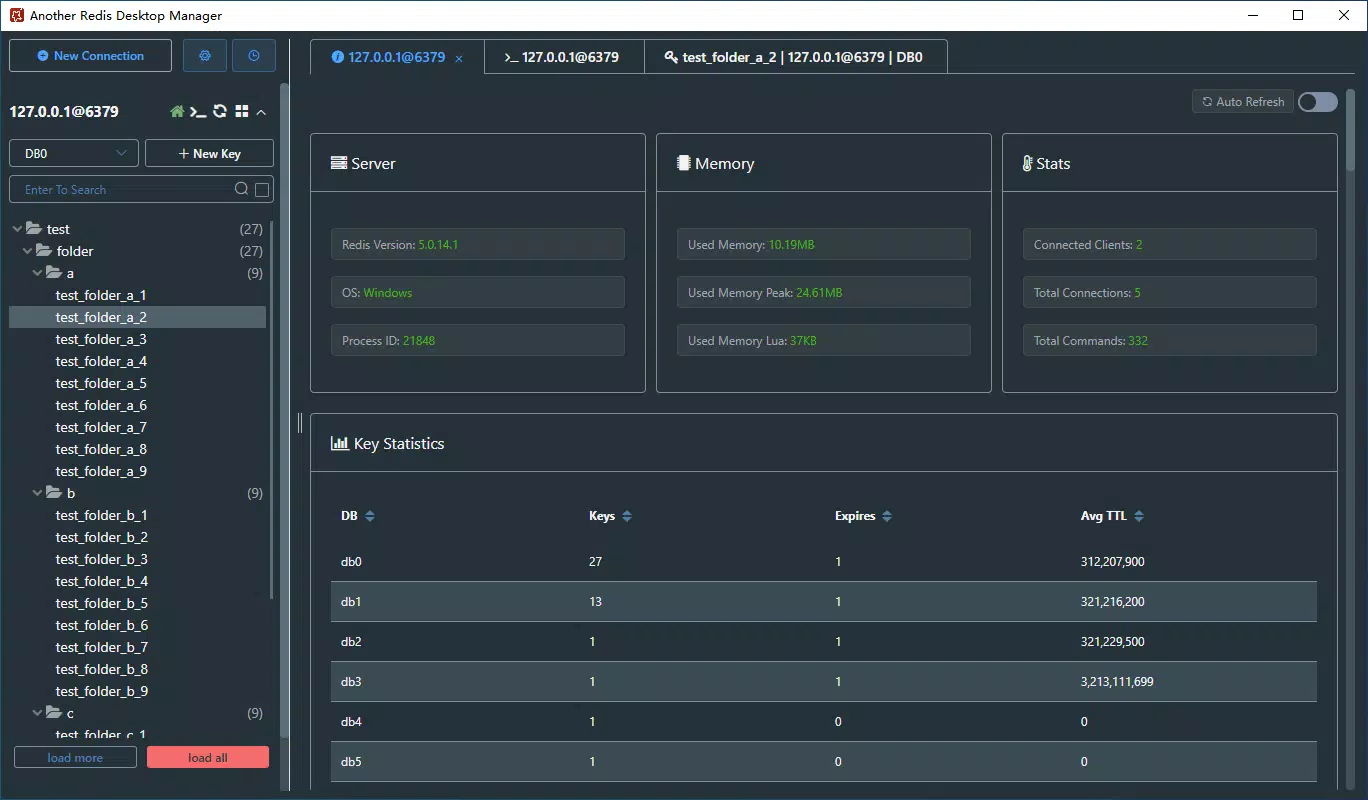
- Real-Time Data Monitoring: Users can monitor active connections, memory usage, and command execution rates in real time. This feature enables proactive identification of bottlenecks and supports timely optimization decisions.
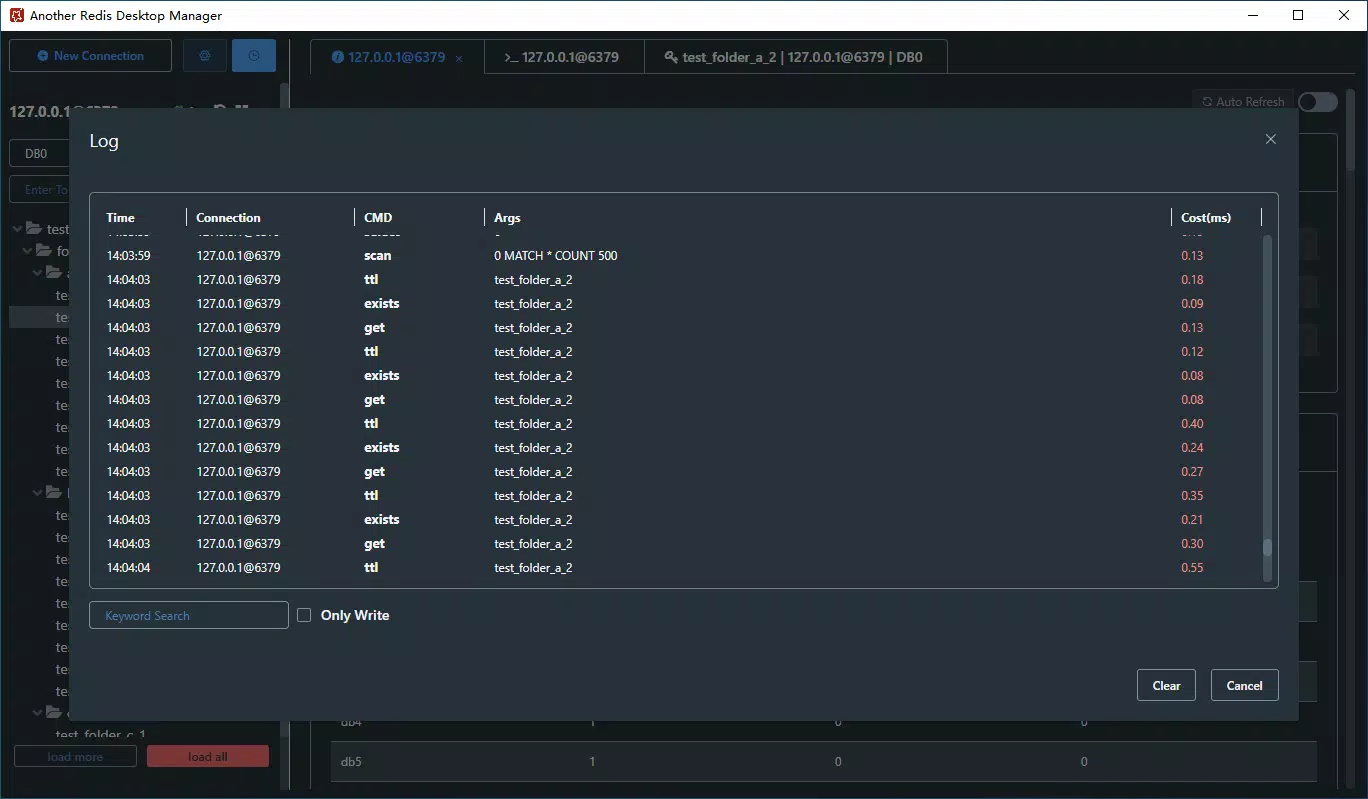
- Built-In Query Editor: The integrated editor supports Redis commands with syntax highlighting and autocompletion, improving accuracy and efficiency when writing or testing queries.
- Connection Management: Users can save multiple connection profiles with customizable settings, enabling quick switching between development, staging, and production environments.
For example, a developer managing multiple Redis instances for different microservices can store each connection’s credentials and host details, then access them with a single click. Similarly, a database administrator can use real-time monitoring to detect sudden spikes in memory usage and investigate the root cause before performance degradation occurs.
Interface, UX & Performance
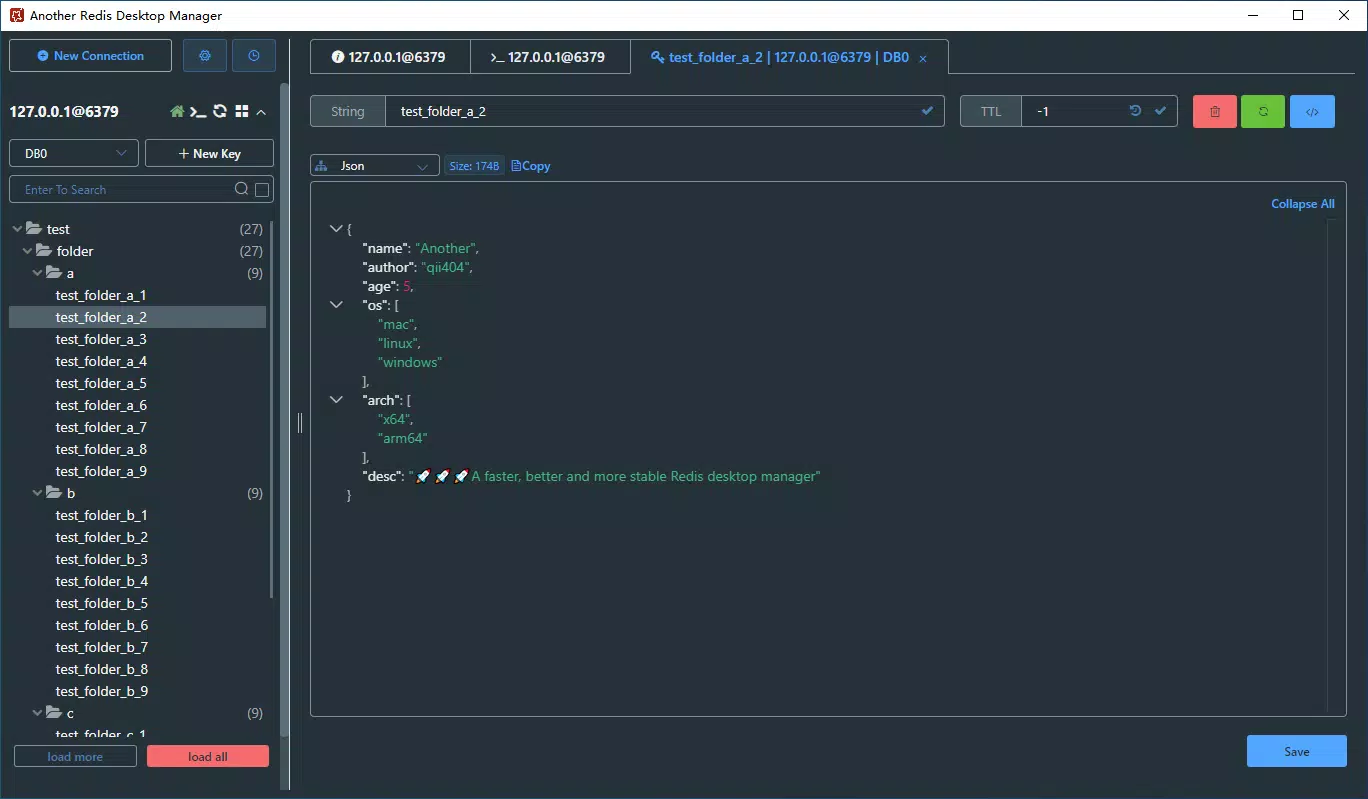
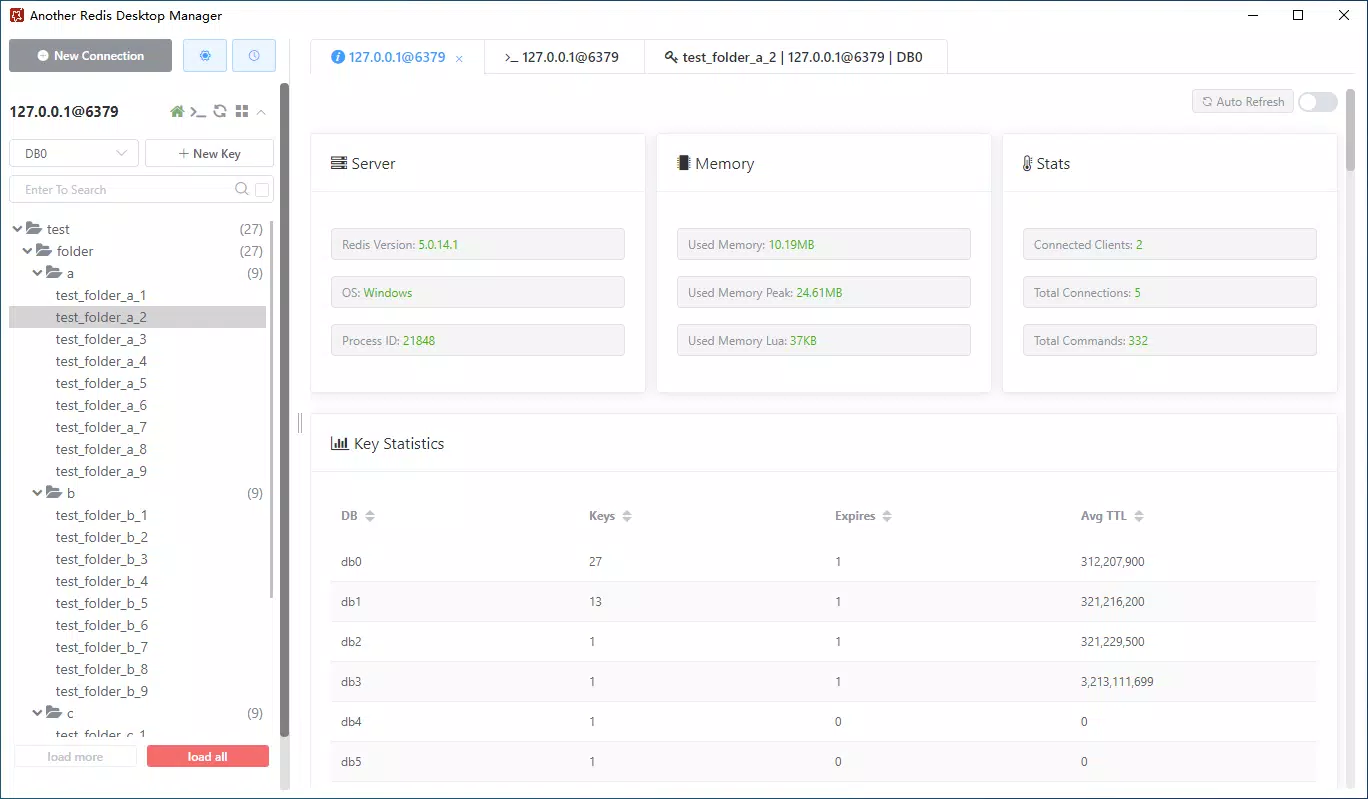
The user interface of Another Redis Desktop Manager is designed with clarity and functionality in mind. The layout organizes database elements—such as keys, databases, and connection details—into clearly labeled panels, allowing users to focus on specific tasks without distraction. Visual cues and consistent iconography enhance navigation, contributing to a smooth user experience.
Navigation is intuitive, with a sidebar for connection management and a central workspace for data exploration. The app responds promptly to user inputs, maintaining stability even when handling large datasets. Although the developer did not list formal performance metrics, the application’s focus on speed suggests optimized resource handling across different device categories. Responsiveness is maintained during operations like key browsing, query execution, and real-time updates, ensuring a seamless workflow.
Stability appears to be a core design principle, as the app avoids common issues like freezing or crashes during extended sessions. Users can expect consistent behavior when managing multiple connections or executing complex commands. The absence of reported bugs or crashes in public feedback indicates a reliable foundation, though specific testing across older devices or low-memory systems was not disclosed.
Platform Compatibility & Technical Requirements
Another Redis Desktop Manager is available for Windows, macOS, and Linux, offering broad compatibility across major desktop operating systems. The app’s file size is not specified in the provided data, but its multi-platform nature suggests it is optimized for efficient installation and operation on each system. The software version and release date are confirmed as of March 15, 2022.
Specific requirements such as minimum OS versions, RAM, or processor specifications were not listed. The developer did not provide additional technical details, so users should verify compatibility with their current system configurations before installation. It is recommended to check official documentation or the developer’s website for up-to-date compatibility information, especially when using older or less common system setups.
Pros and Cons
Pros
- Intuitive interface suitable for both new and experienced users
- Supports multiple operating systems: Windows, macOS, and Linux
- Real-time monitoring helps maintain database health and performance
- Powerful query editor with syntax highlighting and autocompletion
- Efficient connection management with saved profiles
Cons
- Developer did not disclose minimum system requirements
- File size information was not provided
- No official mobile or web version currently available
- Compatibility with older OS versions was not confirmed
- Limited public information about update frequency or long-term support
FAQ
Is Another Redis Desktop Manager secure to use?
The app handles sensitive data such as connection credentials and database content. While no specific security features like encryption or two-factor authentication were mentioned, users should ensure their systems are protected with up-to-date antivirus software and secure network practices.
Can I use this tool on mobile devices?
Another Redis Desktop Manager is designed for desktop operating systems and does not currently have a mobile version. It is intended for use on Windows, macOS, and Linux desktops.
How do I update Another Redis Desktop Manager?
Updates are typically released by the developer through official channels. Users should check the developer’s website or distribution platform for the latest version and follow the provided installation instructions.
Is the app free to download and use?
While the provided information does not specify pricing, the app is commonly distributed as a free tool for developers and administrators. However, users should verify the current licensing model on the official source.
Does Another Redis Desktop Manager support Redis clusters?
The app supports managing multiple Redis instances. While cluster-specific features were not explicitly detailed, its connection management capabilities suggest it can handle cluster nodes when configured properly.
Final Thoughts
Another Redis Desktop Manager stands out as a reliable, cross-platform tool for managing Redis databases with ease. Its clean interface, real-time monitoring, and powerful query editor make it a valuable asset for developers and administrators who require efficient database control. The ability to manage multiple connections and execute commands with confidence enhances productivity across various workflows.
While some technical details remain undisclosed, the app’s proven functionality and broad OS support make it a strong choice for professionals in need of a stable Redis GUI client. For those working with Redis in development, testing, or production environments, this tool delivers tangible benefits without unnecessary complexity.
Download Another Redis Desktop Manager now


